









GO Map: Map Display Toggle
| How to Use the Shared Map | |||
|---|---|---|---|
| Top | Map Display Toggle | Sharable Information | Useful Features |
| About GO Raids Level | PUSH Notifications | Supported OS & Browsers | Reports & Fraud Prevention |
| User Registration | Contact Us | ||
 Nest Icon
Toggle the display of biomes (Nests, Beaches).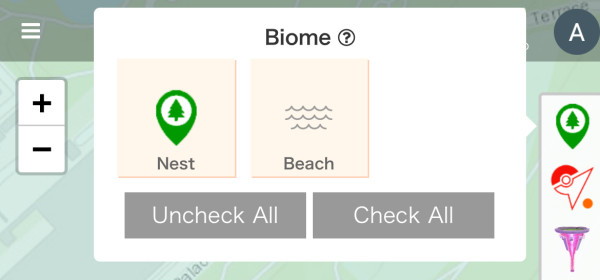
 Gym Icon
Toggle the display of gym locations and raid status.
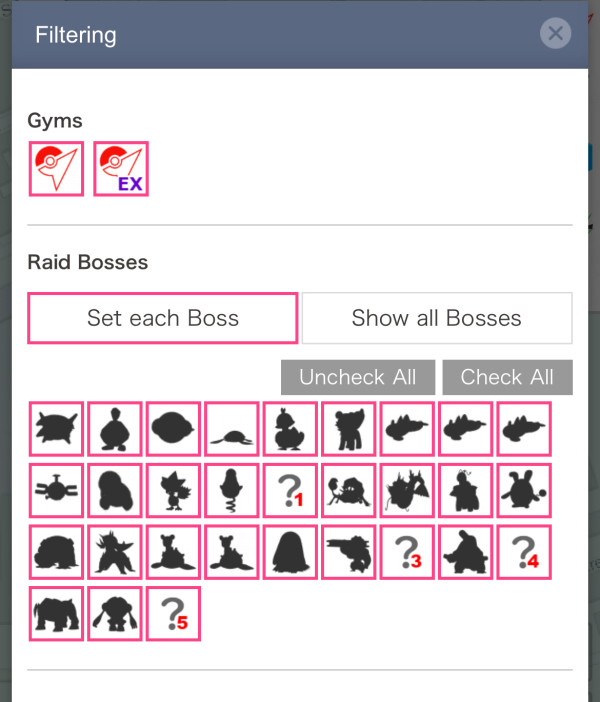
By pressing the filter, you can narrow down the display by gym type (whether it’s an Epic Raid Gym or not) or by raid boss.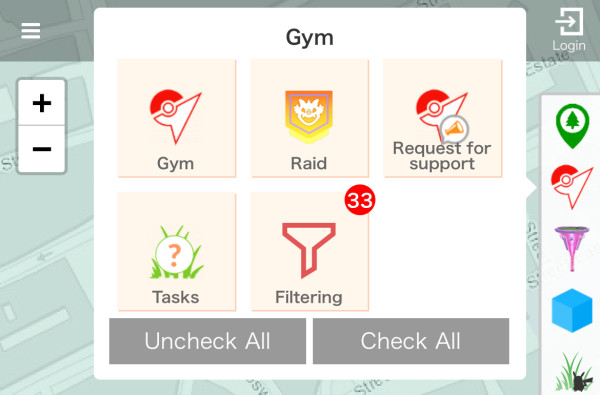
 Power Spot Icon
Toggle the display of Power Spot locations and Max Battle status.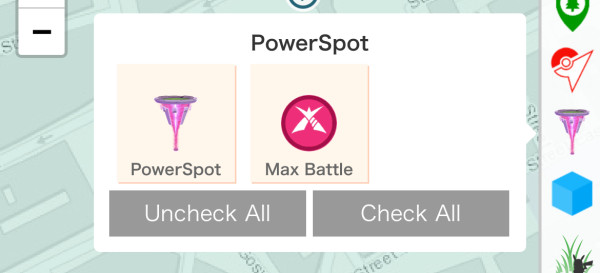
 PokéStop Icon
Toggle the display of PokéStop locations, tasks (Field Research) available at that PokéStop (can be switched by whether AR is held or not), locations of Team GO Rocket Grunts and Leaders, and whether a lure is installed.
When you select "Filter," you can narrow down the display of PokéStops by task rewards and types.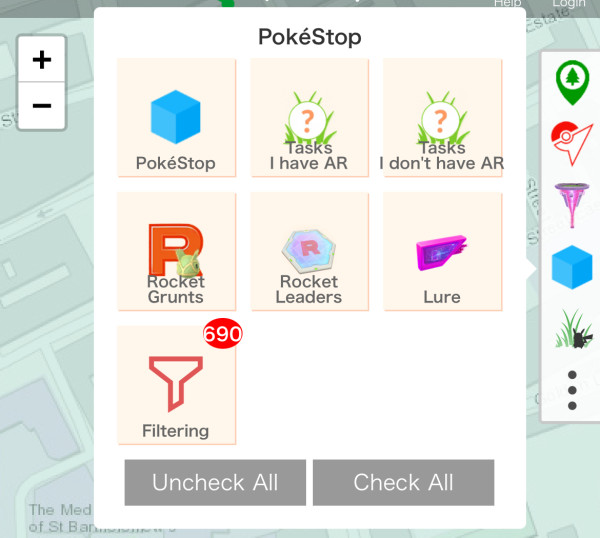
| Filter Options | |
|---|---|
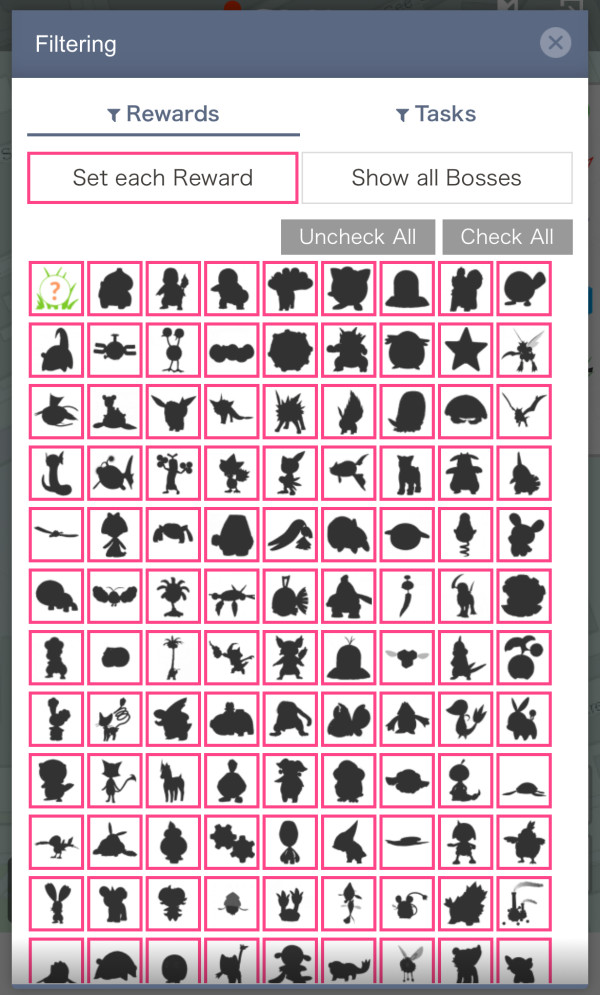 By Reward Type | 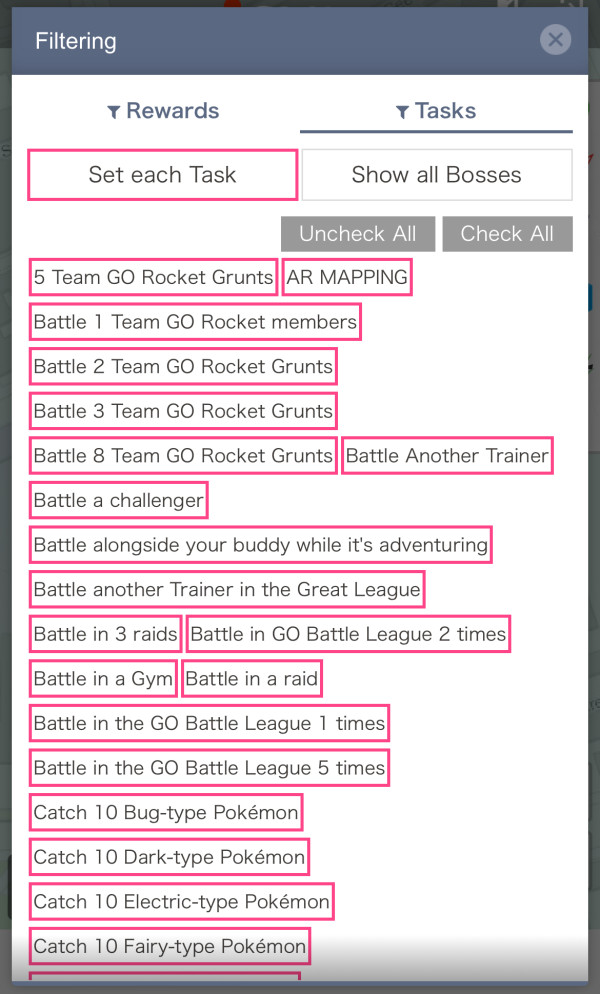 By Task Type |
About AR Held / Not Held
Tasks with the AR Held mark represent tasks you can get when you spin a PokéStop while having an AR Scan Task.
Likewise, Not Held represents tasks you get when you do not have one.
An AR Scan Task is a blue-bordered task you can get from certain PokéStops and Gyms.
Whether you have this task or not may change the task you receive when spinning a PokéStop.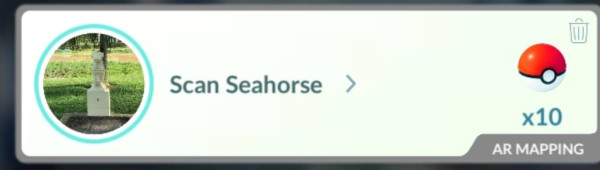
 Wild Pokémon Icon
Each time you tap the icon, you can toggle the display of wild Pokémon On/Off.
 Other Icons
Toggle the display of various information below.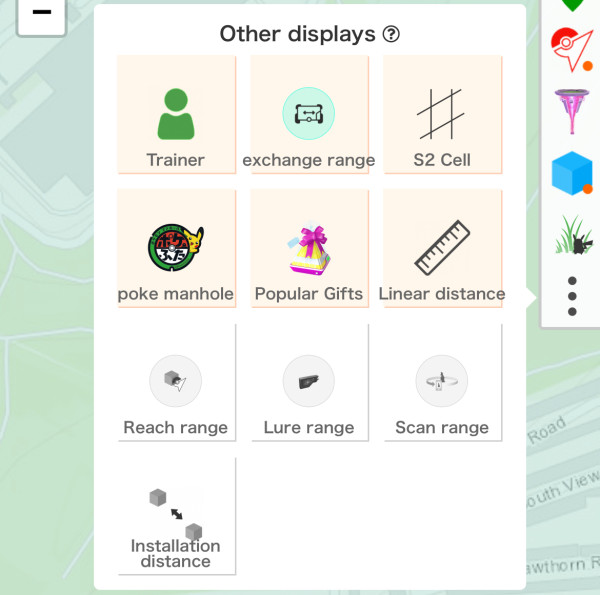
| Trainer | Show trainers looking for friends on the Friend Finder. |
| exchange range | Display a 40km radius circle for Pokémon trade range during events, etc. (Normally 100m radius). |
| S2 Cell | Display S2 cells of various levels. S2 cells divide the Earth's surface into equal-sized areas, which are used for various purposes in Pokémon GO. |
| Poké manhole | Display the locations of Poké manhole covers across Japan. |
| Popular Gifts | Display PokéStops where you can get popular postcards. |
| Linear Distance | Display the straight-line distance from your current location to the target spot. |
| Reach range | Display an 80m radius, the range where you can spin PokéStop or Gym Photo Discs. |
| Lure range | Display a 50m radius, the effective range of lures. |
| Scan range | Display a 40m radius, the range where AR scanning is possible. |
| Installation distance | Display a 20m radius, the required distance when applying for new PokéStops to separate them from sponsored PokéStops. This requirement was abolished with a system update around September 2021. |


 9D
9D