










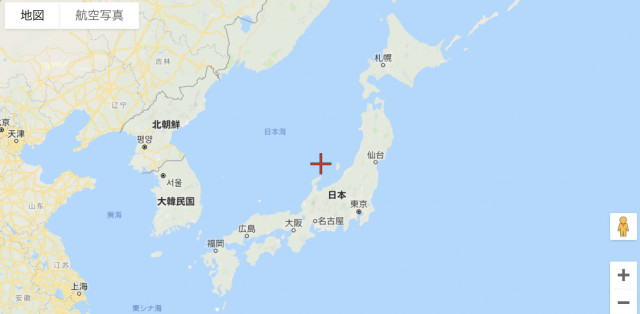
How to Register Accurate Gym, PokéStop, and Power Spot Coordinates on GO Map
Contents
How to Check Coordinates (Android + Google Maps)
① Tap the Spot
Open Pokémon GO and tap the gym or PokéStop whose coordinates you want to get.
② Tap [Open Map]
③ Tap [VIEW IN MAP]

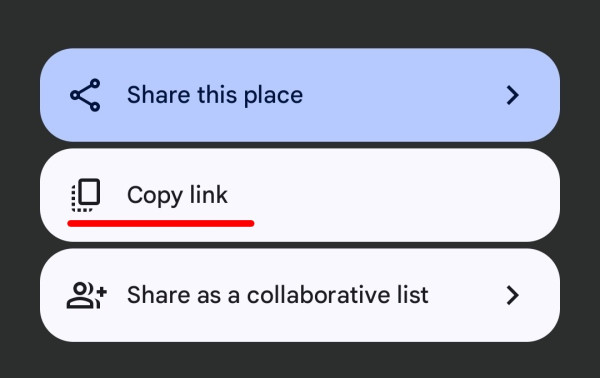
④ Tap the [Share Button]

⑤ Tap [Copy link]
Register on GO Raids
Please refer to the section below, “How to Set Coordinates in GO Raids.”
How to Check Coordinates (iOS + Maps)
① Tap the Spot
Open Pokémon GO and tap the gym or PokéStop whose coordinates you want to get.
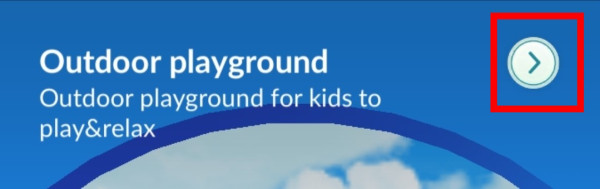
② Tap the “>” on the top right

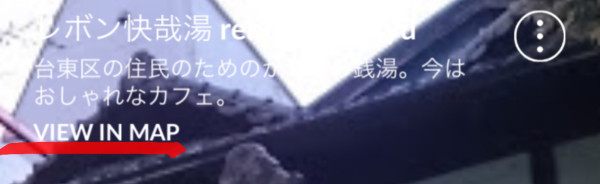
③ Tap [VIEW IN MAP]
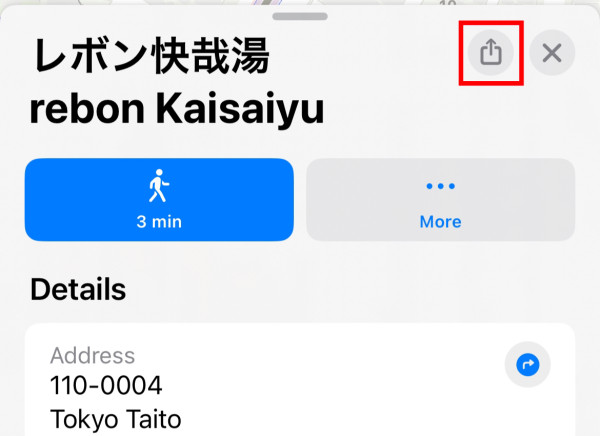
④ Tap the [Share Button]
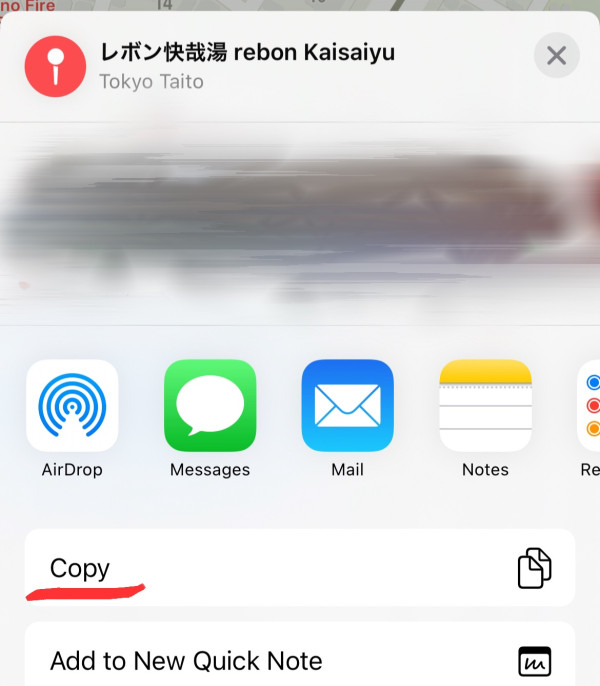
⑤ Tap [Copy]
Register on GO Raids
Please refer to the section below, “How to Set Coordinates in GO Raids.”
How to Check Coordinates for Power Spots
Coordinates for Power Spots must be obtained using Campfire.
① Open Campfire and select the Power Spot whose coordinates you want to get.
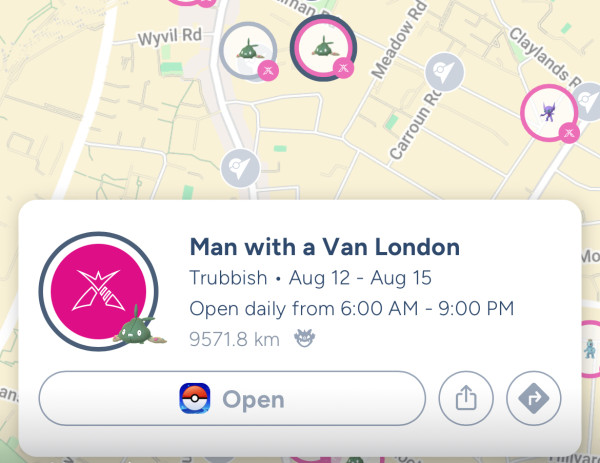
② Tap the [Route Search Button]
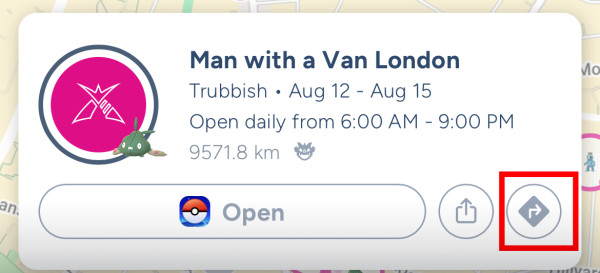
③ Tap the [Share Button]
Follow the Android or iOS steps above and tap the share button to copy the string containing the coordinates.
How to Set Coordinates in GO Raids
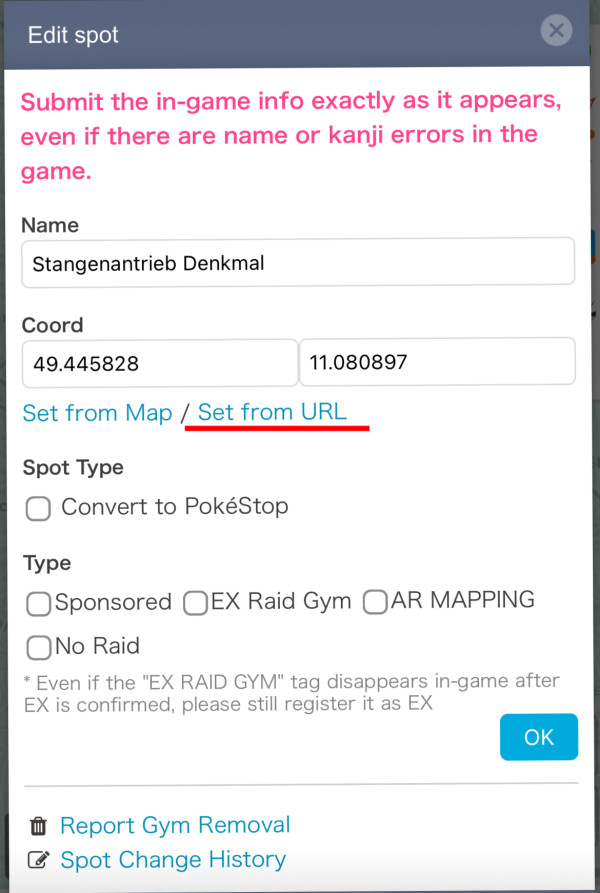
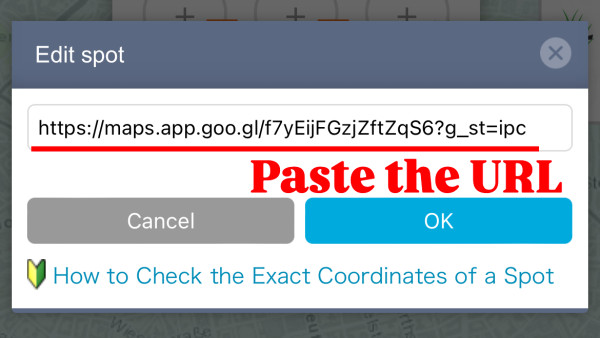
You can set the coordinates of PokéStops or Gyms in GO Raids using a URL that includes the accurate coordinates obtained by any of the methods above.
① Tap [Set from URL]
② Paste the URL


 9D
9D