










Raid Finder
| Join | Invite |
1. Setting Trainer Information (First Time Only)
Tap the settings button at the top of the screen and enter your Trainer Name, Trainer Code, and Trainer Level as shown in the Pokémon GO app.
This information is required for posting or joining an invitation, so please enter it accurately.
2. Selecting a Boss
Select the boss you want to join from the Boss List or the Invitation List.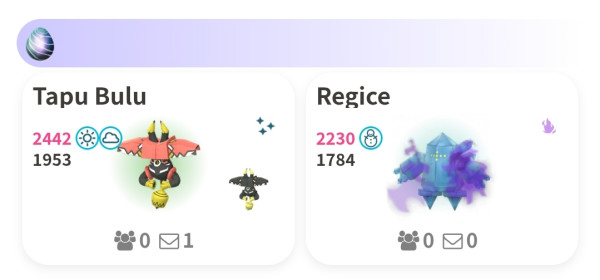
3. Starting Auto-Matching
Set the conditions for the invitation you’d like to match with, then start auto-matching.
You may close this screen until you're close to being matched.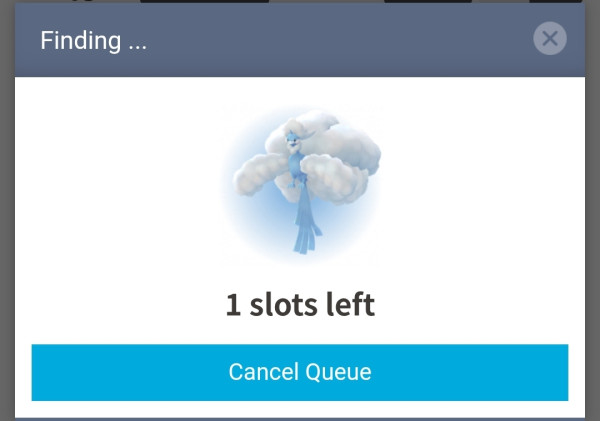
4. Sending a Friend Request to the Host
When a match is found, the host’s Trainer Code will be displayed.
Send a friend request and mark yourself as ready within 90 seconds.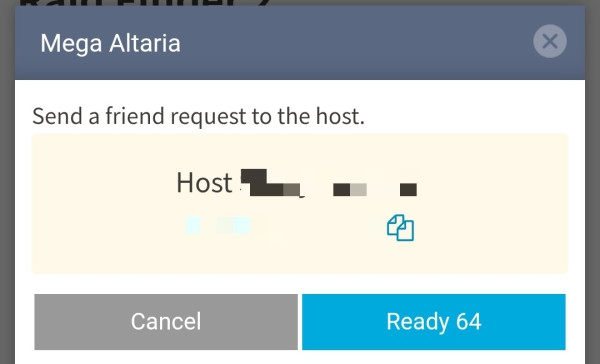
5. Waiting Until All Members Are Ready
Once you’re marked as ready, the member list will be displayed.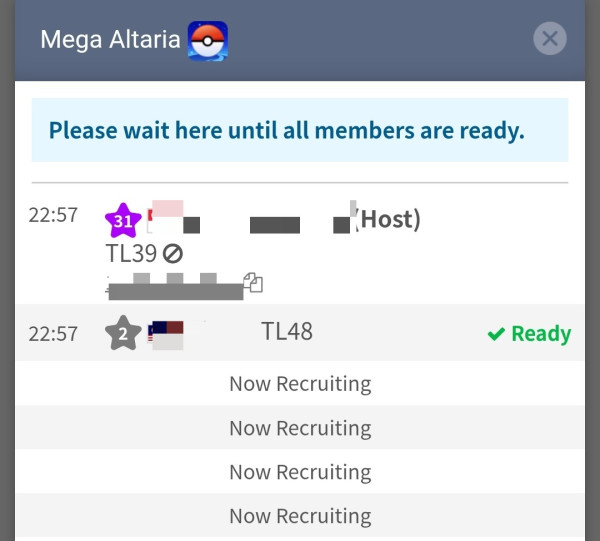
6. Joining the Raid
When all members are ready and the host’s status changes to “Ready,” the host will send out raid invitations.
Use a Remote Raid Pass to join the raid.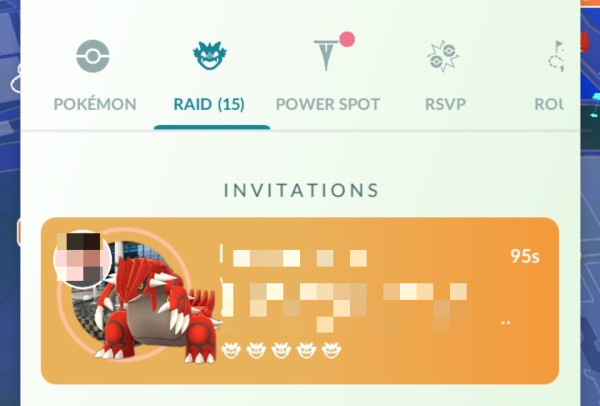
7. Rating the Host
After the raid ends, please rate the host.
The rating screen will appear after you close the member list.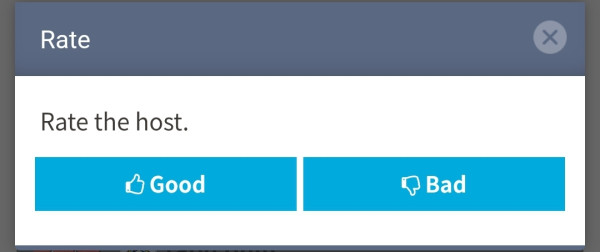
Notes
- If you enter the lobby but leave before the raid starts, your pass will not be consumed.
- After the raid, remove the host from your friend list so you can send another friend request later.
- Invitations from Pokebattler (flag with a sword icon) are not eligible for auto-matching. You can only join these from the Invitation List.
- If an invitation is deleted immediately after auto-matching, you do not need to start over. You will automatically resume matching when you select the boss again.
- Even if you leave the lobby, you can re-enter the same one as long as not all members have left and the room is not full.
1. Check Friend Count
Make sure your friend count has not reached the [marker:450-person limit} so that participants can send friend requests.
2. Setting Trainer Information (First Time Only)
Tap the settings button at the top of the screen and enter your Trainer Name, Trainer Code, and Trainer Level as shown in the Pokémon GO app. This information is required for creating or joining an invitation, so please enter it accurately.
3. Selecting a Boss
Select the boss you want to invite from the Boss List.
4. Inviting the Boss
Enter the conditions and create the invitation.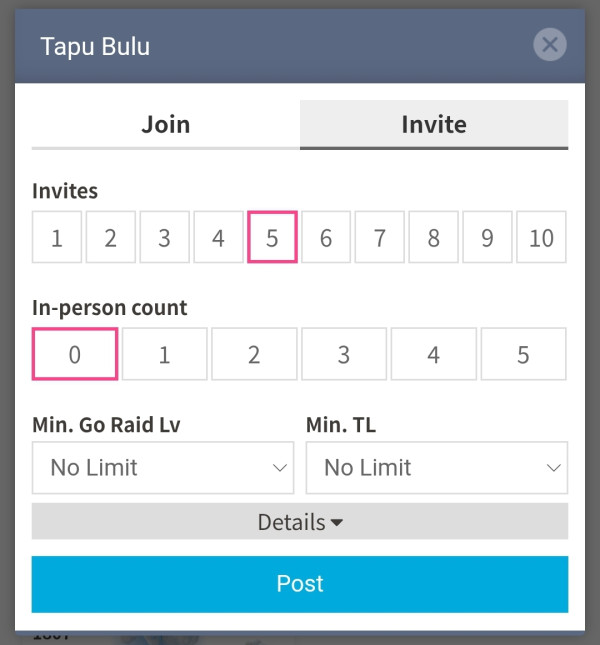
5. Approving Friend Requests
Once you create the invitation, auto-matching will begin and members will be added automatically.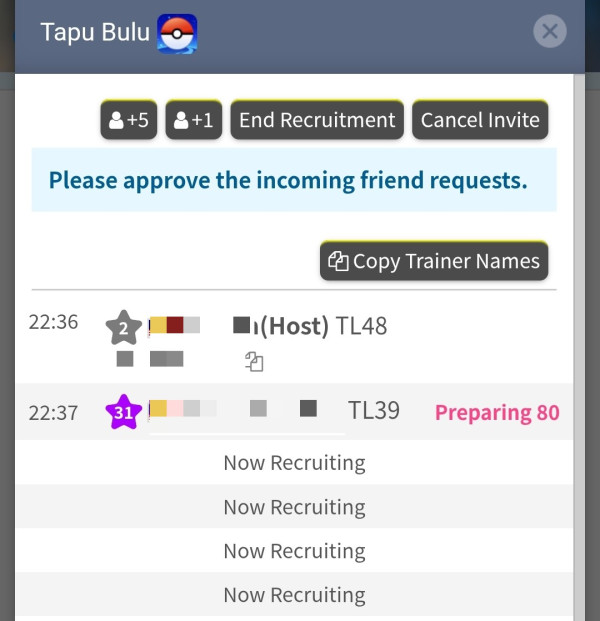
| Button | Purpose |
|---|---|
| +1 | Increase the number of participants by 1 |
| +5 | Increase the number of participants by 5 |
| End Recruitment | Stop recruitment early |
| Cancel Invitation | Cancel the invitation |
| Copy Trainer Names | Copy the Trainer Names of all members(Search for Raid Invites) Canceled Trainers are not included. |
Approve all incoming friend requests.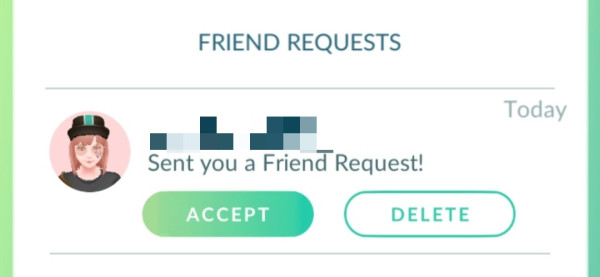
6. Filling the Roster
Recruitment will end automatically once the capacity is reached.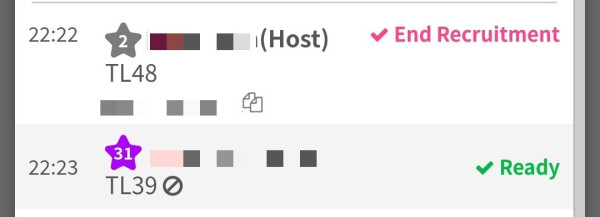
7. Entering the Raid and Sending Invites
Join the raid and send member invitations.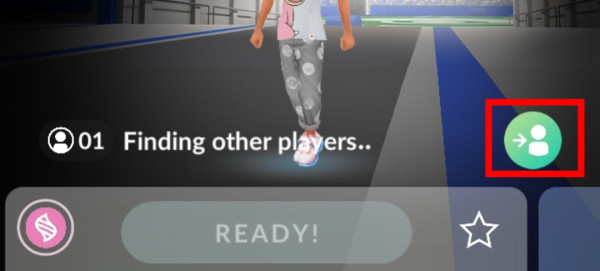
| Raid Type | Invite Capacity |
|---|---|
| Normal Raid | 10 people (5 at a time) |
| Shadow Raid | 10 people (5 at a time) |
| Max Battle | 3 people |
| Gmax Battle | 20 people (10 at a time) |
※ About 35 seconds after sending an invitation, the invite button becomes available again.
Notes
- If the lobby fills up before you send invites, you won’t be able to invite anyone. For busy gyms, create a private group using a group code.**
If You Find a Fraudulent User
If you find a fraudulent host or participant, select after the Trainer Name in the participant list to report them.
Users with multiple infractions will have their ability to join or invite restricted, and users whose Trainer information is likely incorrect will be notified accordingly.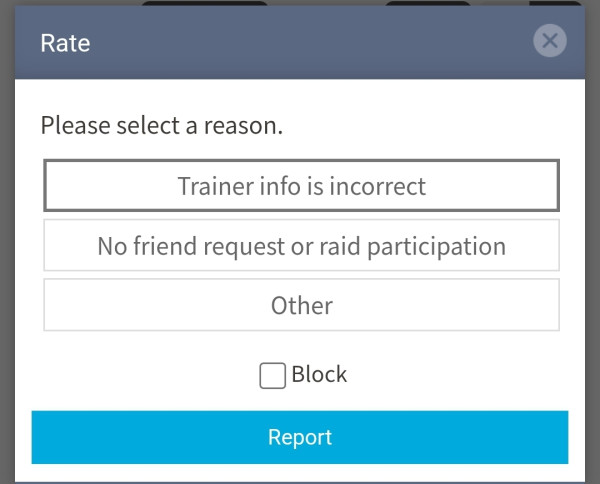
By selecting “Block” when reporting, you will no longer be matched with that user in auto-matching.


 9D
9D